Maintain Inbox Zero using filters and auto labeling in Gmail
🗓️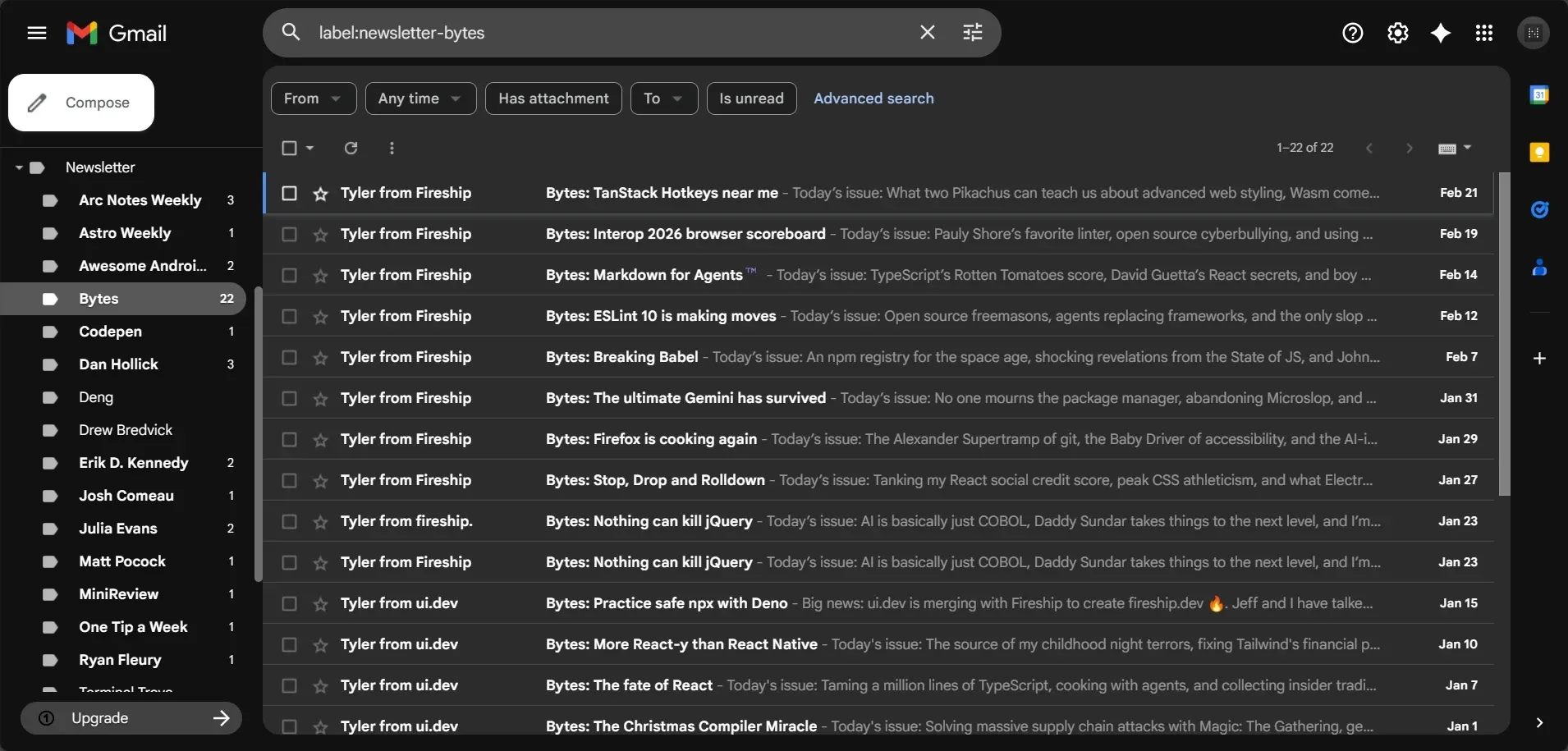
I subscribe to dozens of newsletters but can’t stand a cluttered inbox. While many third-party apps promise to solve this, I’ve found Gmail’s native filtering system to be the most reliable solution.
Workflow
-
Search: Right-click an email and select
Find emails from ... -
Filter: Click the
Show search optionsicon from the search bar, then selectCreate filter -
Configure: At least check these options:
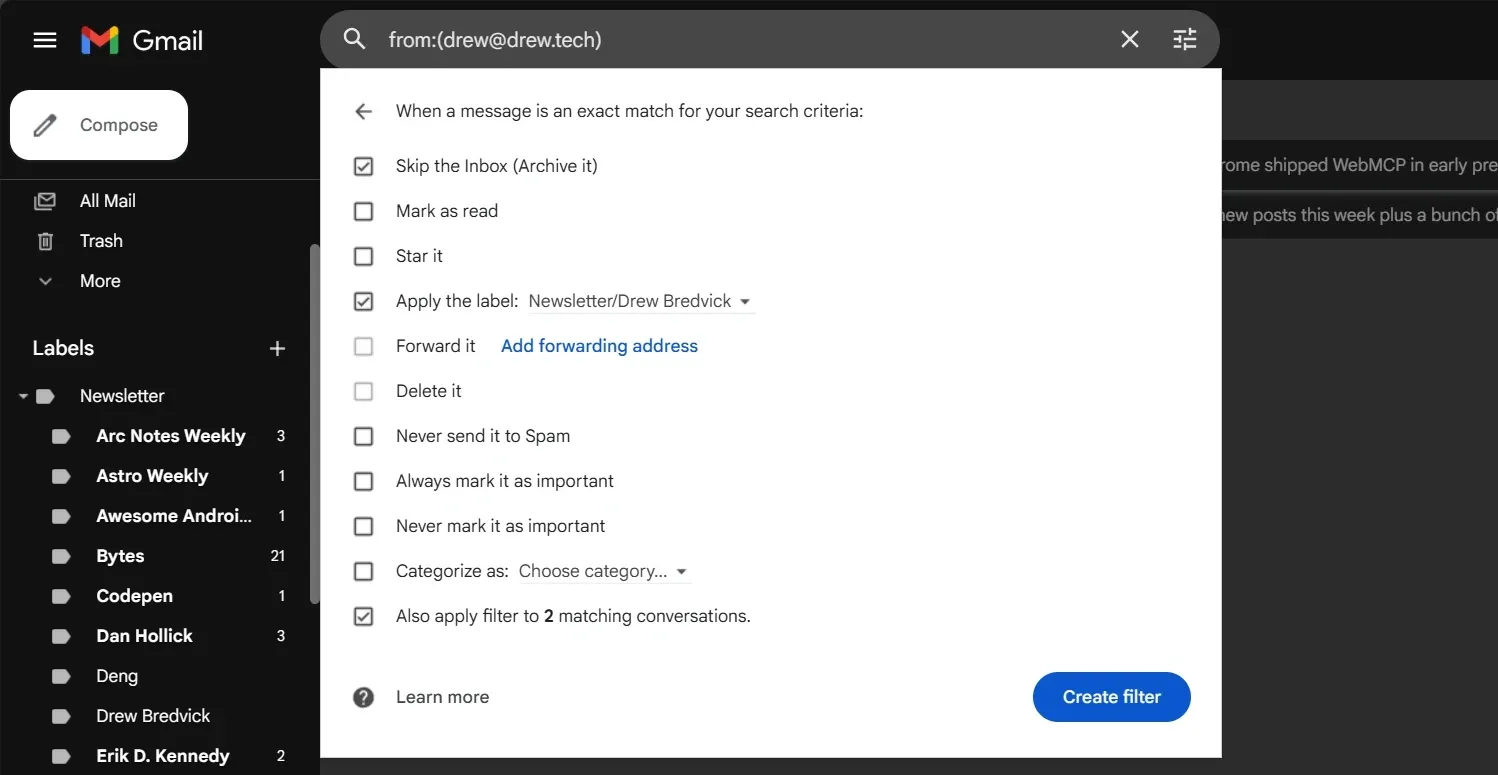
- ☑ Skip the Inbox (Archive it)
- ☑ Apply the label: > Choose label > New label and Enter the newsletter title
- ☑ Also apply filter to * matching conversations
-
Save: Click
Create filterto add it in Filters
Why do this manually?
Setting this up for every newsletter takes time, but doing it as new emails arrive amortizes the effort. This manual approach also forces you to decide if a newsletter is still worth keeping, making it easier to prune subscriptions you no longer value.
Happy Inbox Zero! 🤞